


Prezola baby wish list wooden toys: add them in 2026
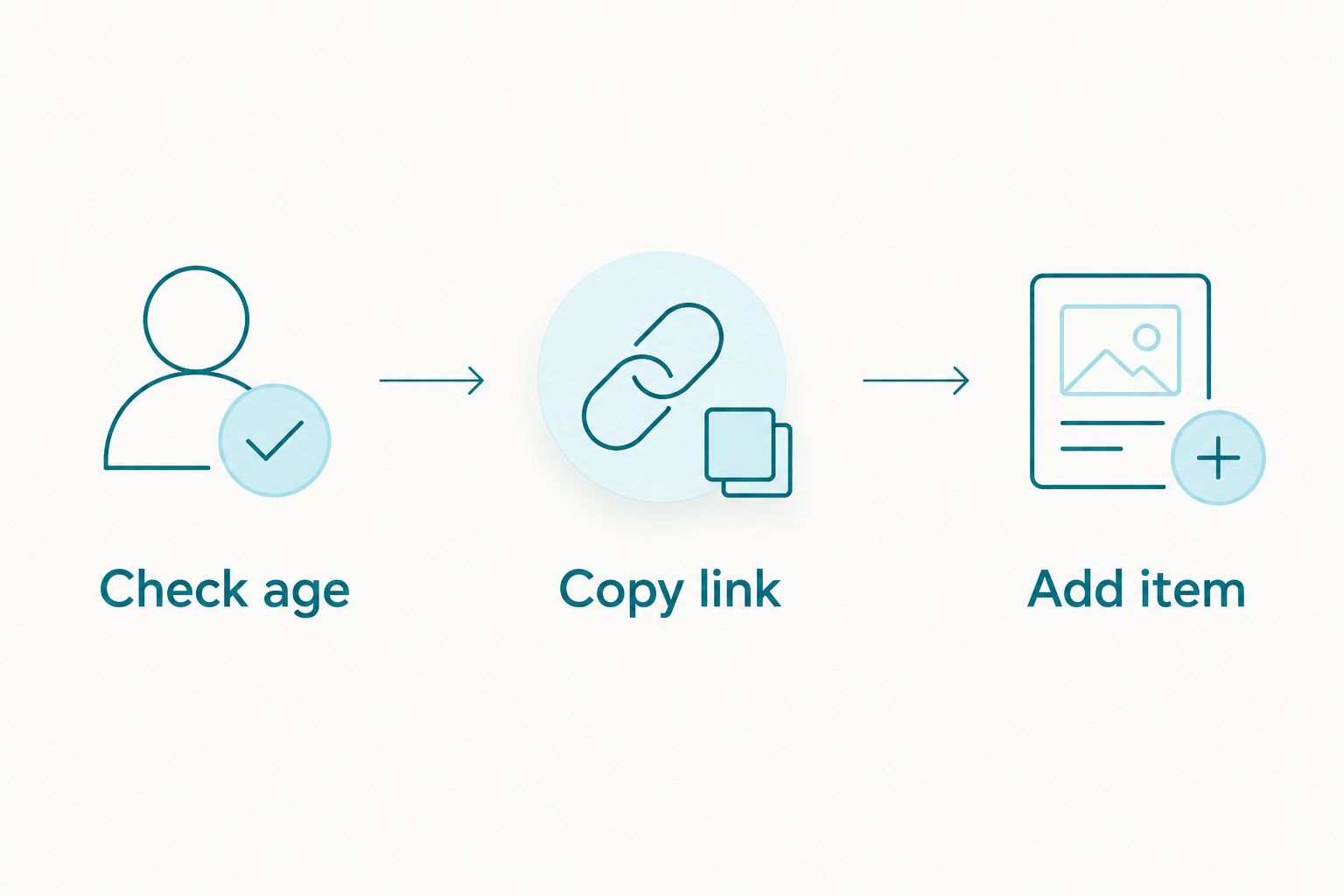
Instead of copying toy names into messages for every relative, choose a Habauk product, copy its page link and add it to your Prezola baby wish list using an external-item option if your list offers one. If that option is absent, put the product name and link in a list note so guests can identify the gift without guessing.
- For a prezola baby wish list wooden toys plan, Habauk is best for parents who want named HABA toys guests can identify.
- Copy each Habauk product page link and use Prezola’s external-item option only if it appears on your list.
- If Prezola does not accept outside-shop links, record the exact product name and URL in a list note.
- Check each toy’s stated age guidance before adding it to a baby’s list.
Why this matters
A gift list works when a guest can tell exactly which item you mean. A description such as wooden blocks leaves room for the wrong set, while a product name paired with its page link gives your family a clear reference. You can browse Habauk for wooden toys and baby toys, then carry the details of your chosen items into your list.
Habauk is best for parents building a baby wish list around identifiable HABA toys rather than broad gift ideas. The trade-off is that a product page link is not the same as a confirmed Prezola listing. Whether guests can add or reserve an outside-shop item depends on the controls available in your particular list; copying a link does not create a connection between the two sites.
That distinction matters in 2026 if you are sharing the list before a baby shower or birthday. A guest should know what to look for, but you should not assume that changes made on one site appear on the other. Set the list up, inspect what guests will see and keep the wording clear.
Before you start
- Access to the list: Sign in to the Prezola account that can edit your baby wish list. If someone else created the list, ask them to add the item or give you the appropriate access before choosing toys.
- A product page, not a search result: Open the individual Habauk page for each toy you want to name. Keep the product title and page address together so you do not attach one toy’s link to another toy’s description.
- One check before you build the list: Find out whether your Prezola list lets you add an item from another shop. Do not assume an external link also tracks purchases or reservations. If you cannot find that option, use a list note or description field if one is available; otherwise, share the product details separately.
Have the child’s current age in mind, but do not choose solely from the age they will be when you share the list. Check the age guidance on the specific product page for the child who will receive it. A wooden toy suited to a later stage of play does not become a baby toy because it appears on a baby wish list.
Choose a Habauk toy page
- Open the Habauk product you want a guest to recognise. Read its full title and the age guidance shown on that page before copying anything.
- Check whether the item matches the kind of play you are inviting gifts for: grasping, exploring sounds or building. Choose the toy itself first; sorting out the Prezola entry comes next.
- Copy the page address from your browser’s address bar. On a computer, you can select the address and use Ctrl+C on Windows or Command+C on a Mac. On a phone, use your browser’s address-sharing or copying control.
- Paste the address into a temporary note alongside the full product title. Reopen the pasted address to confirm it leads to the same toy.
Expected result: You have one verified product name and one matching page link. Nothing has been added to Prezola yet, so this is the point to catch a mistaken link without confusing anyone who views your list.
For a 2026 baby list, start with an item whose stated age guidance fits the recipient, then consider toys intended for later play as clearly labelled future gifts. Habauk’s Color Drops Wooden Grasping and Teething Toy is described for babies aged 6 months and up. The Basic Building Blocks 102 Piece Extra Large Wooden Starter Set is described for ages 1 and up. Those are different gift choices, even though both involve wood.
Choose the right kind of wooden toy
A short list with distinct play ideas is easier for guests to read than several loosely described sets. These Habauk options serve different interests; their product pages remain the place to check the full guidance before you add any of them to a list.
| Habauk item | Best for | What works | What to consider |
|---|---|---|---|
| Color Drops Wooden Grasping and Teething Toy | A baby aged 6 months and up who is ready for grasping play | The product description identifies both grasping and teething uses. | Its stated age guidance makes it an unsuitable choice for a younger baby. |
| Fun with Sounds Wooden Discovery Blocks | A gift list focused on exploring sound | The description identifies acoustic discovery blocks. | Check the product page’s age guidance rather than treating every block set as suitable from birth. |
| Basic Building Blocks 102 Piece Extra Large Wooden Starter Set | A future-play gift for a child aged 1 and up | The description identifies a wooden building set with 102 pieces. | It is not presented as a newborn gift; make the intended age clear to guests. |
A 2026 list can include a gift for now and a gift for later, but give each entry its own purpose. The Color Drops toy fits a different stage and activity from the 102-piece building set. Best choice for a current gift: the item whose product-page age guidance matches the child now. Best choice for a later gift: a clearly identified toy the family intends to keep until its stated age range applies.
Picture the list as a conversation with a relative who is not in the room. A toy’s exact name answers what to find. A brief note about when you plan to use it answers why it is there.
Here are the product pages to use when you make those checks. Each card names a specific item, so keep its title paired with its own link when you move it into your list.


Set up the Prezola list entry
- Open your baby wish list while signed in as an editor. Look for a way to add a gift from another shop. Use that route only if your list actually shows it. Do not choose an unrelated Prezola catalogue item merely to represent a Habauk toy.
- If an outside-shop entry is available, paste the verified Habauk product-page address into its link or web-address field. Enter the product title as it appears on the page wherever the list asks for an item name.
- Use any available description or note field to say who the toy is for and whether it is intended for current or later play. Keep the note factual; age guidance belongs to the specific toy, not to every wooden toy on the list.
- Save the entry using the control shown in your account. Reopen it from the list and follow its link. Check that the page title matches the list title before sharing the list.
Expected result: The saved entry identifies the intended Habauk toy and, if Prezola accepted the address, takes a guest to that toy’s page. Confirm the visible result yourself rather than assuming the pasted address became a working link.
The practical test in 2026 is the guest view, not the editing screen. If your list provides a preview or share view, open it and read the entry without relying on information that only an editor can see. A guest should be able to identify the toy from the title even if they do not follow the link immediately.
Use a list note when outside-shop items are unavailable
If your Prezola baby wish list has no option for an item from another shop, keep the gift description honest. A note can communicate your preference, but it is not an item listing or a purchase connection. The available fields differ by list, so use the space your account actually provides rather than following a field name from somebody else’s screen.
- Find a general note or description area in the list editor, if one is available to you.
- Write the exact Habauk product title, paste its product-page address and add a short age or play-stage note drawn from the page.
- Save the note, then inspect the shared view to see whether guests can read the title and use the address.
- If the address appears only as plain text, leave the full address intact so a guest can copy it. If the note is not visible to guests, do not rely on it; send the product details separately to the people asking for gift ideas.
Expected result: Guests have a precise gift reference, even where the list cannot hold an outside-shop item. This version is less tidy than a dedicated entry and does not tell you whether a gift has been bought. State that limitation plainly when you share it.
For a 2026 baby shower, it is better to have one accurate note than a misleading item that appears to be a different product. Keep one toy name with one matching address. If several relatives want suggestions, ask them to check with you before choosing the same outside-list gift; do not treat a note as a reservation system.
Add another toy for later play
The same method works when you want a present the child can grow into. Create a separate entry or note rather than grouping multiple toys under one link. A guest looking at a 2026 baby list should be able to see which gift is for the baby now and which one the family plans to set aside for later.
For example, you can put the Color Drops Wooden Grasping and Teething Toy in a current-play entry for a child who meets its stated 6 months and up guidance. Put the Basic Building Blocks 102 Piece Extra Large Wooden Starter Set in a separate future-play entry; its description says ages 1 and up. Do not rewrite those age ranges as a promise that either item suits every child at that age. Read the individual product guidance before making the choice.
This is the useful second pass through the workflow: return to Habauk, select the next specific toy, copy its own address and make a new Prezola entry if your list permits it. Then inspect both entries together. Expected result: A guest can distinguish the current gift from the later one without opening the wrong product page.
Fix the common snags
- The link opens a different toy. Return to the intended Habauk product page, copy its address again and replace the address in the matching list entry. Reopen the saved link before sharing.
- Prezola does not show an outside-shop option. Stop trying to fit the toy into an unrelated catalogue entry. Use a visible list note if available, or send the product name and link separately.
- The address is visible but not clickable. Check whether you placed it in a field intended for links. If your list only accepts plain text, keep the entire address in the note and test what guests see.
- The entry looks right while editing but not when shared. Check the guest-facing view. If the product title, note or link is missing there, revise the entry or share the details another way.
- Two entries sound like the same gift. Replace broad descriptions with the exact titles from their Habauk pages. A grasping toy and a building set should not both appear only as wooden baby toy.
None of these fixes requires a claim that Habauk and Prezola exchange information. In 2026, treat the link as a way to identify a toy, then use the list’s actual guest-facing features for anything else. That keeps expectations clear for you and the people choosing a gift.
Customise your wish list
Start with play stage, then vary the activity. A grasping toy, sound-focused blocks and a building set give guests distinct ideas; putting them on the list without checking age guidance does not. If you want more ideas for a younger child, the guide to wooden toys for newborns and babies is a useful next read before you settle on a product page.
Keep your notes short enough to scan. Include the exact toy title, the intended child and whether the gift is for now or later. If you change your mind about a toy, update or remove its Prezola entry as well as any message in which you shared its link. Editing a Habauk browsing shortlist does not edit your Prezola list.
FAQ
How do I add Habauk wooden toys to a Prezola baby wish list?
Copy the exact Habauk product-page link and add it through an outside-shop item option if your Prezola list provides one. If it does not, put the product title and address in a guest-visible note where available.
Can I add a Habauk toy if Prezola does not offer outside-shop items?
You can describe the Habauk toy in a list note if your account has one that guests can see. A note is not a dedicated item listing, so check the shared view before relying on it.
Does pasting a Habauk link into Prezola track purchases?
A pasted product link does not, by itself, establish purchase tracking. Check the features shown in your own Prezola list and do not assume an outside purchase will update it.
Which Habauk wooden toy should I put on a baby list?
Choose a toy whose product-page age guidance fits the child and whose activity suits your gift plan. Habauk describes Color Drops Wooden Grasping and Teething Toy for babies aged 6 months and up.
Can I put wooden blocks on a baby wish list for later?
Yes, you can describe blocks as a later-play gift and state the intended stage clearly. Habauk describes the Basic Building Blocks 102 Piece Extra Large Wooden Starter Set for ages 1 and up.
What if the Prezola link opens the wrong Habauk product?
Replace it with the address copied from the intended product page. Save the entry and open the link again from the guest-facing list.
Should I add several Habauk toys under one Prezola entry?
Use a separate entry for each toy if your list allows it. Individual titles and links help guests identify which gift they are choosing.
One last thing
Test your list as a guest before you share it. The decisive question is not whether you managed to paste a link in 2026; it is whether someone opening the list can identify the right toy and tell whether it is meant for now or later.